The world has shifted toward digital-first productivity, yet most calendar systems remain stubbornly one-size-fits-all. For neurodivergent professionals juggling ADHD, autism, or other cognitive differences, this creates a massive gap between the tools available and the visual organization systems that actually work for their brains.
Your Google Calendar doesn't have to be a chaotic mess of indistinguishable appointments. With strategic color coding, you can transform it into a powerful external brain that supports your executive function, reduces cognitive load, and helps you navigate professional demands with confidence.
Why Visual Organization Is Your Secret Weapon
Neurodivergent professionals face unique challenges that neurotypical productivity advice completely misses. Working memory limitations, time blindness, and context-switching difficulties aren't character flaws: they're neurological differences that require different tools.
Color coding addresses these challenges head-on by creating immediate visual distinction. Instead of forcing your brain to process text-heavy information every time you check your schedule, colors allow you to understand your day at a glance. This reduces the executive function load of simply figuring out what's next.
Think about a professional managing multiple client projects while dealing with ADHD. Without visual organization, each calendar check becomes a mini-decision marathon: "What's this meeting about? Which project does this deadline belong to? How much time do I have between appointments?" With strategic colors, these questions get answered instantly.

The Step-by-Step Color Change Process
Desktop Method: Your Primary Control Center
Open Google Calendar in your web browser and locate the "My calendars" section on the left sidebar. This is where the magic happens for neurodivergent professionals who need systematic organization.
Hover over the calendar you want to modify: you'll see three vertical dots appear. Click these dots to open the options menu, then select your preferred color from the palette that appears. The change takes effect immediately, giving you instant visual feedback.
Mobile Method: On-the-Go Organization
Launch your Google Calendar app and tap the three horizontal lines in the top-left corner. Navigate to "Settings" and select the calendar you want to change. Tap "Color" and choose from the available options.
The mobile interface is more limited than desktop, but it's perfect for quick adjustments when you're away from your computer. This flexibility matters for neurodivergent professionals whose needs might shift throughout the day.
Unlocking Custom Colors with Hex Codes
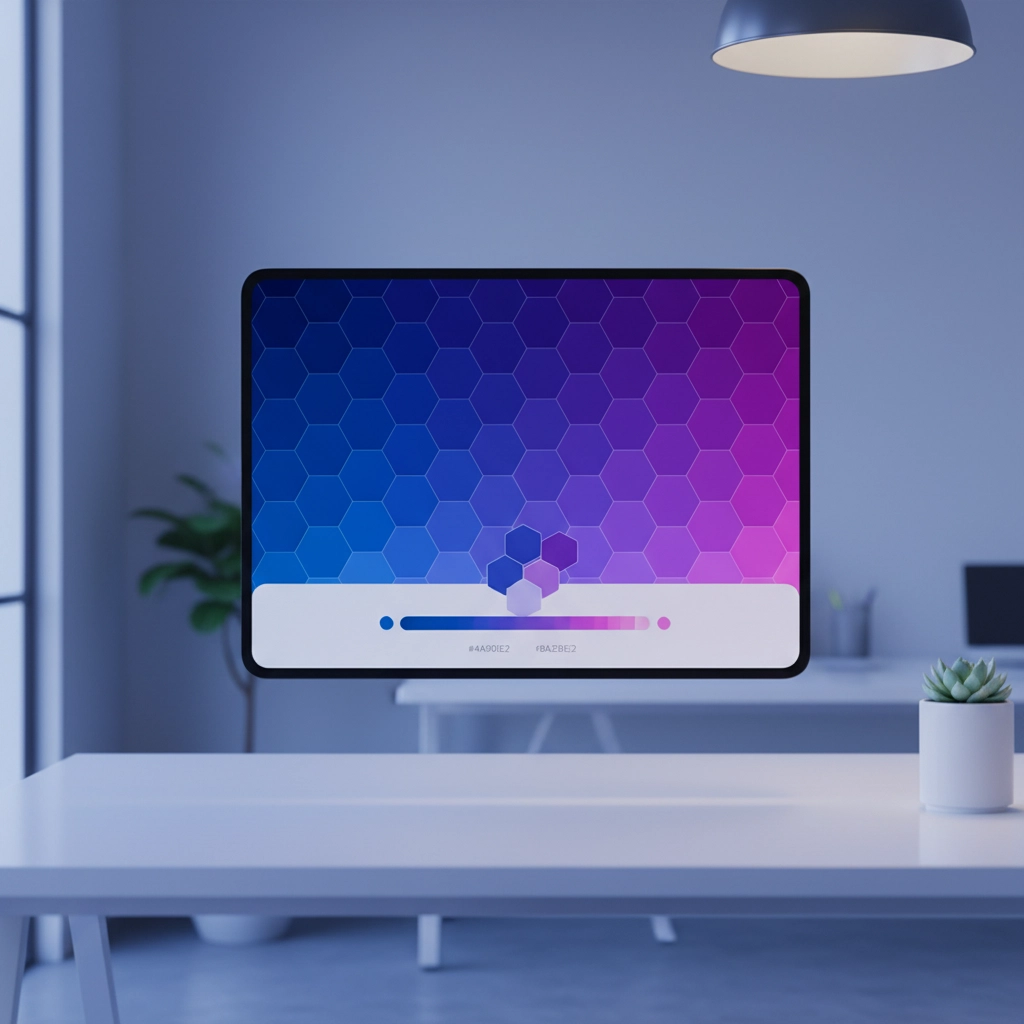
The standard Google Calendar palette offers limited options, but you're not stuck with them. Custom hex codes open up unlimited possibilities for visual organization that matches your specific cognitive needs.
On desktop, after clicking the three dots next to your calendar, look for the "+" icon in the color selection menu. Click it to open a dialog box where you can enter any hex code. For example, #FF5733 creates a vibrant orange, while #4CAF50 produces a calming green.
This feature is game-changing for neurodivergent professionals who need specific color combinations. Maybe bright red triggers anxiety, or certain blues help you feel focused. With hex codes, you create exactly the visual environment your brain needs to function optimally.
Search online for "color palette hex codes" or "accessible color combinations" to find scientifically-backed color schemes that work well together and support different visual processing needs.
Individual Event Customization
Even with perfectly color-coded calendars, sometimes individual events need special treatment. Google Calendar allows you to change specific event colors without affecting the entire calendar's appearance.
Click on any event to open its details, then click the color palette icon (looks like a paint bucket). Select your preferred color and save the changes. On mobile, tap the event, tap the pencil icon to edit, then use the color palette option.
This granular control is invaluable for neurodivergent professionals managing complex schedules. Maybe you need to mark particularly challenging meetings in warning colors, or highlight social events that require extra preparation time.
Strategic Color Systems That Actually Work
The Energy-Based Approach
Warm colors (reds, oranges, yellows) for high-energy, demanding activities. Cool colors (blues, greens, purples) for routine or lower-intensity tasks. This system aligns with natural psychological associations and helps with executive function by providing immediate energy-level feedback.
The Project-Based System
Assign specific colors to different clients, projects, or life domains. Blue for Client A, green for Client B, purple for personal appointments. This approach excels for neurodivergent professionals managing multiple contexts who struggle with mental task-switching.
The Time-Block Method
Use colors to represent types of time rather than specific tasks. "Deep work blocks" in one color, "meetings" in another, "administrative time" in a third. This reinforces temporal boundaries and supports those who struggle with time perception.

Accessibility and Visual Processing Considerations
Contrast Is Everything
Many neurodivergent professionals experience visual sensitivity or difficulty distinguishing between similar colors. Choose colors with strong contrast against your calendar background. Test your selections in different lighting conditions: what looks perfect on your bright office monitor might be invisible on your phone in sunlight.
Avoid Trigger Colors
Some colors can be overwhelming or anxiety-inducing for individuals with sensory processing differences. If bright red makes you feel stressed, don't use it for important deadlines. Your color system should reduce stress, not create it.
Consider Colorblind Accessibility
If you share calendars with colleagues, choose colors that remain distinguishable for people with color vision differences. Tools like WebAIM's color contrast checker can help ensure your system works for everyone.
Advanced Strategies for Complex Schedules
Multiple Calendar Integration
Instead of cramming everything into one color-coded calendar, create separate calendars for different life areas. Work projects, health appointments, social commitments, and personal tasks each get their own calendar with distinct colors.
This approach leverages Google Calendar's native organization system while providing the visual organization that neurodivergent professionals need. You can toggle calendar visibility on and off, reducing visual clutter when you need to focus on specific areas.
Preparation Time Blocking
Many neurodivergent professionals need transition time between activities. Use specific colors to mark "prep time" before important meetings or "decompression time" after challenging events. This builds necessary buffer time directly into your visual system.

Mobile Limitations and Workarounds
Custom hex codes currently work only on the desktop version of Google Calendar. If you primarily use mobile, you'll need to set up your color system on a computer first, then work within the mobile app's limitations for day-to-day adjustments.
This limitation is frustrating but manageable. Set up your core color system on desktop, then use the mobile app for quick event creation and schedule checking. The investment in desktop setup pays off with a mobile experience that actually supports your cognitive needs.
Shared Calendar Considerations
When you change event colors in shared calendars, the changes only affect your view: not how others see the same events. This privacy is actually a feature for neurodivergent professionals who need personalized visual organization without affecting colleagues' systems.
You can customize shared work calendars to match your cognitive needs while maintaining professional collaboration. Your color-coded system becomes your personal accommodation tool that doesn't require disclosure or explanation.
Making It Sustainable
The most brilliant color-coding system fails if it's too complex to maintain. Start with broad categories and simple rules. You can always refine and expand as the system becomes habitual.
Neurodivergent professionals often struggle with perfectionism that prevents implementation. Remember: an imperfect system you actually use beats a perfect system that overwhelms you into abandonment.

Your Google Calendar can become a powerful ally in managing the unique challenges of neurodivergent professional life. Strategic color coding reduces cognitive load, supports executive function, and provides the visual organization that many neurodivergent brains crave.
The question isn't whether you need a better organizational system: it's how quickly you can implement one that actually works with your brain instead of against it. Start with one color change today, and build the system that transforms your daily chaos into manageable, visual clarity.
Your neurodivergent brain isn't broken: it just needs tools designed for how it actually works. Color-coded calendars are one of those tools, hiding in plain sight within software you already use every day.