Your Google Calendar is staring at you like a rainbow explosion that makes absolutely no sense. Every appointment, task, and reminder blends into a colorful mess that your ADHD brain can't decode in under five minutes. Sound familiar?
The world has shifted to digital organization, but most calendar systems weren't designed for neurodivergent minds. Traditional color-coding advice tells you to organize by "life areas" – work, personal, health, social. But here's the thing: ADHD brains don't prioritize by category. They prioritize by urgency, interest, challenge, and novelty.
Let's fix your calendar chaos with seven research-backed productivity hacks that actually work for how your brain processes information.
Why Standard Color Schemes Fail ADHD Brains
The typical calendar advice goes something like this: "Use blue for work, green for personal, red for health appointments." But when you have ADHD, you're not asking "What category is this?" You're asking "How urgent is this? Can I move it? What happens if I forget?"
Your executive function struggles with multiple simultaneous inputs, so every time you open your calendar, your brain has to decode not just what each event is, but how flexible it is, how important it is, and whether you can reschedule if something more interesting comes up.
That's where these seven hacks come in.
Hack #1: The Traffic Light Priority System

Forget organizing by life areas. Instead, use the traffic light approach that mirrors how ADHD brains naturally assess tasks:
- Red/Dark Red: Absolute deadlines and fixed appointments (doctor visits, work meetings, flights)
- Yellow/Orange: Important but semi-flexible (gym sessions, project work, social events you really want to attend)
- Green/Light Blue: Completely flexible tasks (grocery shopping, organizing, "someday" projects)
This system works because it reduces decision fatigue. When you glance at your calendar, you instantly know what's moveable and what isn't – no mental gymnastics required.
Hack #2: Color Saturation as Your Secret Weapon
Here's where it gets smart: Use color intensity to indicate frequency and attention level.
- Highly saturated/bright colors: Rare events that need your full attention (deadlines, birthdays, one-time appointments)
- Medium saturation: Regular but important events (weekly therapy, gym sessions, date nights)
- Desaturated/pale colors: Daily recurring events that don't need constant mental energy (work blocks, commute time, regular medications)
Your brain will naturally focus on the brighter colors while letting the routine stuff fade into the background. It's like having a built-in priority filter.
Hack #3: The Dark Theme Game-Changer Setup
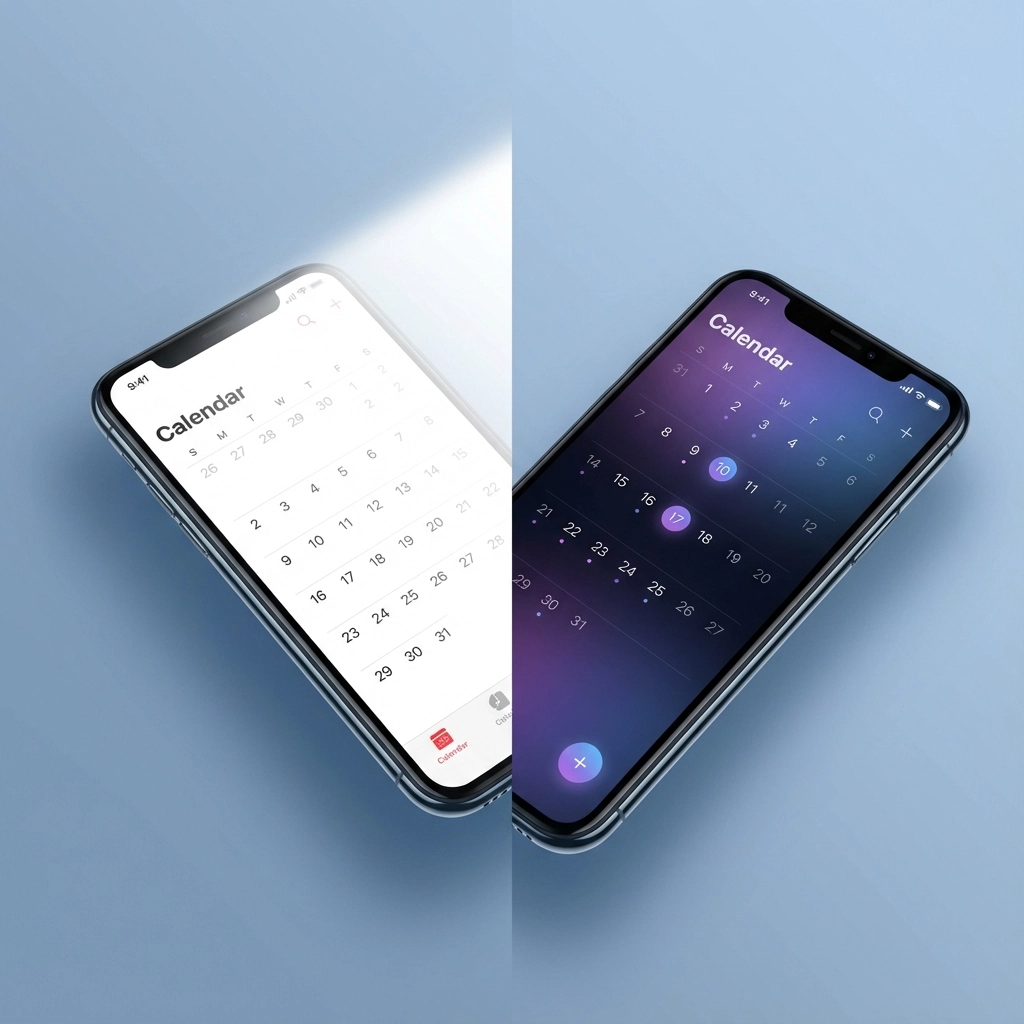
Dark mode isn't just about looking cool – it's an accessibility tool that reduces eye strain and helps with focus. Here's how to set it up properly:
For Google Calendar Dark Mode:
- Go to Settings (gear icon) → Appearance
- Select "Dark" theme
- Adjust your color scheme accordingly – bright colors pop more on dark backgrounds
Pro tip: In dark mode, avoid dark blues and purples as they disappear into the background. Stick with bright blues, greens, yellows, and reds for maximum contrast.
The dark theme also helps with hyperfocus sessions by reducing visual distractions from bright white backgrounds that can feel overwhelming during intense work periods.
Hack #4: The "Appointment vs. Task" Color Split
ADHD brains need to distinguish between "I have to be somewhere" and "I need to do something." Use this two-category approach:
Fixed Appointments (Red family colors):
- Doctor visits, work meetings, classes
- Anything that involves other people or specific locations
- Events that require renegotiation to move
Tasks and Flexible Time (Blue/Green family):
- Project work, exercise, meal prep
- Personal time blocks, creative work
- Anything you can reschedule without affecting others
This hack eliminates the mental energy spent figuring out "Wait, do I actually have to leave the house for this?"
Hack #5: All-Day Event Color Coding
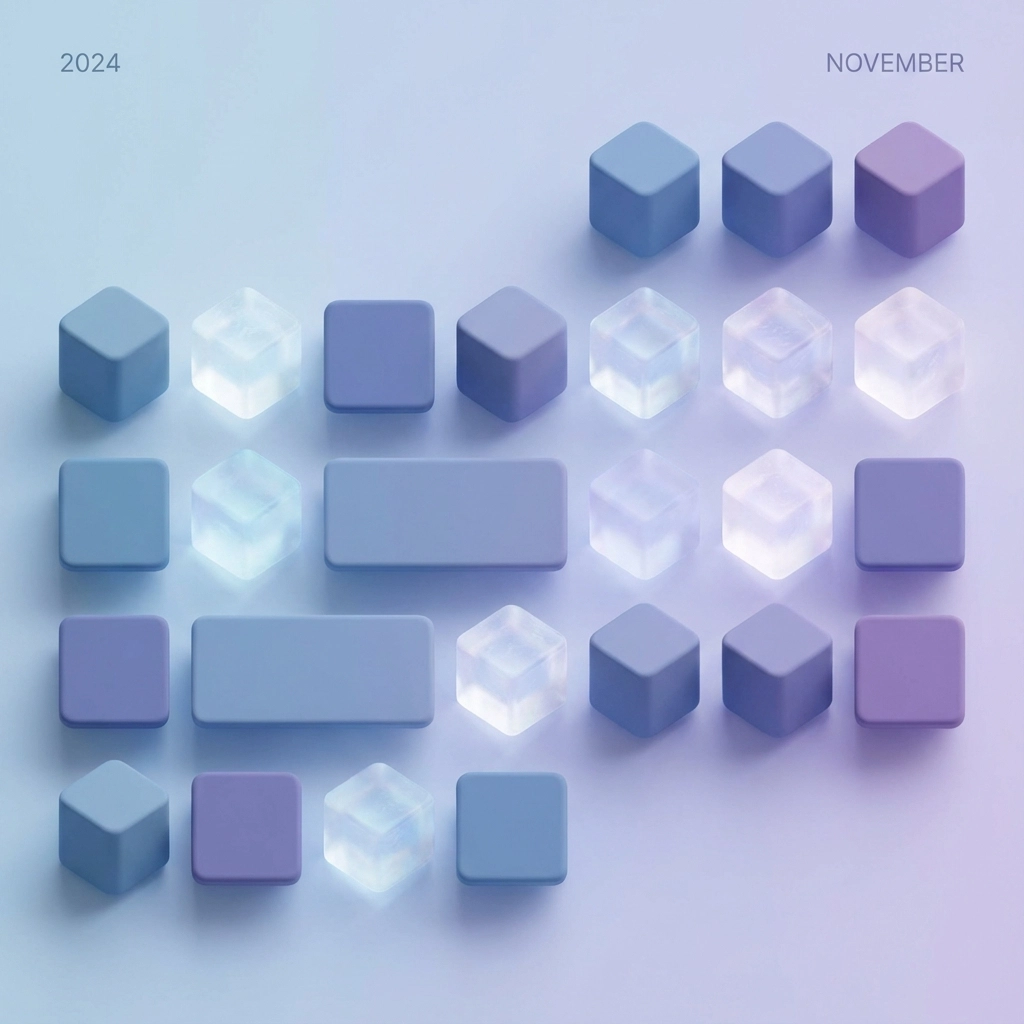
Use all-day events strategically with specific colors:
- Bright Yellow: Project deadlines (visible but not time-specific)
- Orange: Travel days or multi-day events
- Light Purple: Medication reminders or health tracking
- Gray: Holidays or days off (low mental energy required)
All-day events sit at the top of your calendar view, creating a visual priority bar that your ADHD brain can process instantly without reading details.
Hack #6: The Energy Level Color Strategy
Match your calendar colors to your natural energy patterns:
High Energy Required (Bright, Bold Colors):
- Creative work, important meetings, challenging tasks
- Use bright red, electric blue, or vibrant green
Medium Energy (Moderate Colors):
- Routine work, regular appointments, social activities
- Use standard blues, greens, or oranges
Low Energy/Maintenance (Soft Colors):
- Administrative tasks, easy routines, buffer time
- Use pale colors or grays
This system helps you balance your energy allocation throughout the day and avoid scheduling two high-energy tasks back-to-back.
Hack #7: The Weekly Review Color
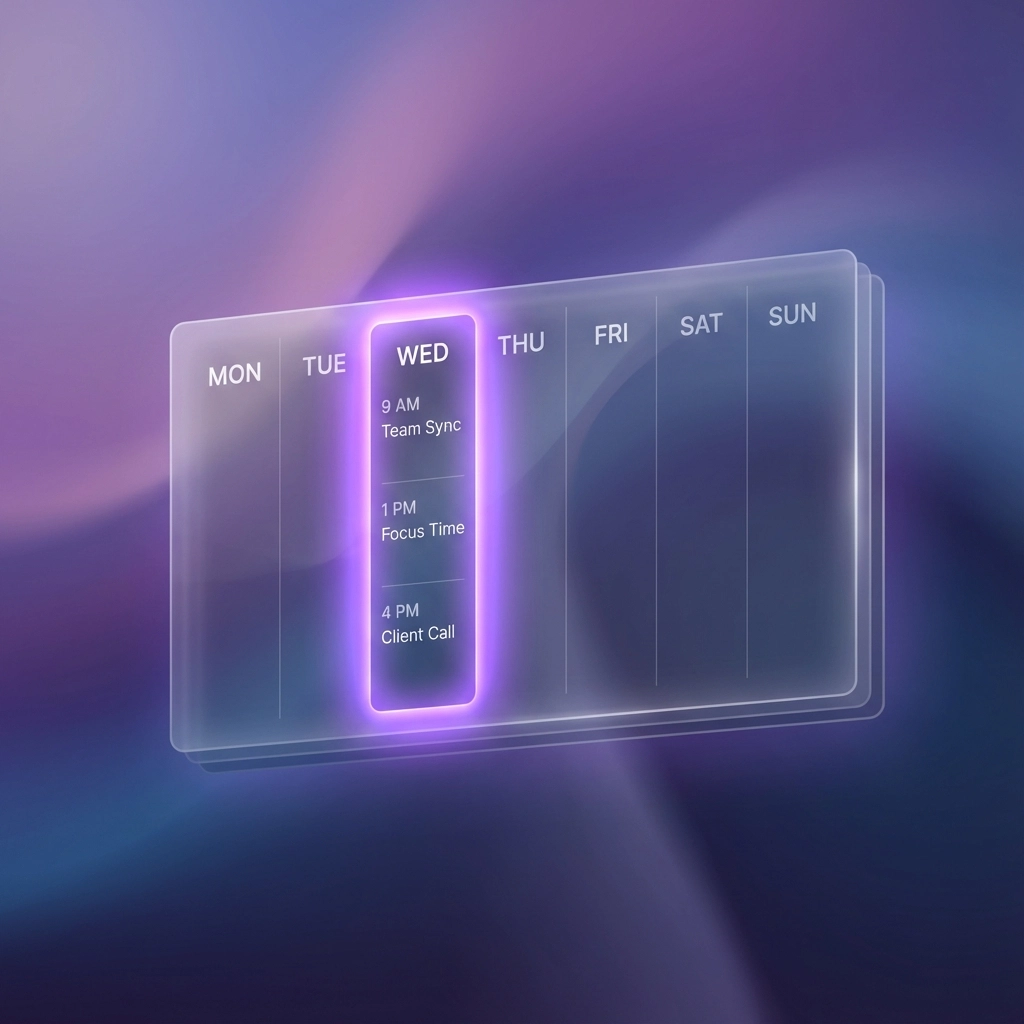
Assign one specific color (like bright purple) exclusively for weekly planning and review sessions. This creates a visual anchor in your calendar that serves multiple purposes:
- Ensures you never skip your planning time
- Creates a consistent visual cue for reflection
- Helps you identify weeks where you haven't done your review
Pro tip: Make these sessions recurring and schedule them for your highest-energy time of the week, not whenever you "find time."
Setting Up Your ADHD-Friendly Color Scheme
Here's a starter template that incorporates all seven hacks:
- Bright Red: Fixed appointments and deadlines
- Orange: Semi-flexible important tasks
- Bright Blue: Flexible work or personal projects
- Green: Low-pressure, moveable activities
- Yellow: All-day deadlines and reminders
- Purple: Weekly reviews and planning
- Gray: Travel, holidays, or downtime
Remember, what works is what you'll actually use. You might need to try different approaches to find what feels intuitive for your specific brain.
The Bottom Line
Your ADHD brain isn't broken – it just processes information differently. By aligning your calendar colors with how you naturally prioritize tasks (urgency, flexibility, energy level), you're working with your neurodivergence instead of against it.
Start with one or two of these hacks and gradually build your system. The goal isn't perfect organization – it's reducing the mental energy you spend decoding your own calendar so you can focus on actually getting things done.
Your color-coded calendar should feel like a helpful friend, not a confusing puzzle. With these seven productivity hacks, you're well on your way to a calendar system that finally makes sense to your ADHD brain.